
Live TV Interface
Move through channel categories and open supported live streams from the app or compatible player.
Browse channel categoriesDownload the official B1G IPTV APK directly from b1giptv.io and use it with active B1G IPTV trial or subscription details. The app is designed for compatible Android-based devices, while other platforms can use supported IPTV players. Use B1G IPTV to browse the current listed 28,000+ live channels, 100,000+ movies and 20,000+ series.
B1G IPTV app at a glance | Official Android APK
The official Android installer is available directly from the B1G IPTV domain. Use the link below when you need the B1G IPTV app for a compatible Android phone, tablet, Android TV, Google TV or other supported Android-based device.
The APK is the application installer. It does not replace your B1G IPTV trial or subscription account. After installation, use the active account details supplied for your trial or paid service.
B1G IPTV app: the viewing interface installed on a compatible device.
B1G IPTV subscription: active account access for personal viewing.
B1G IPTV reseller panel: a separate wholesale tool for managing customer subscriptions and reseller credits.
Use the correct login details for the product you purchased and keep account credentials private.
Browse a visual preview of sports, entertainment, movie and series categories featured across the B1G IPTV viewing experience.



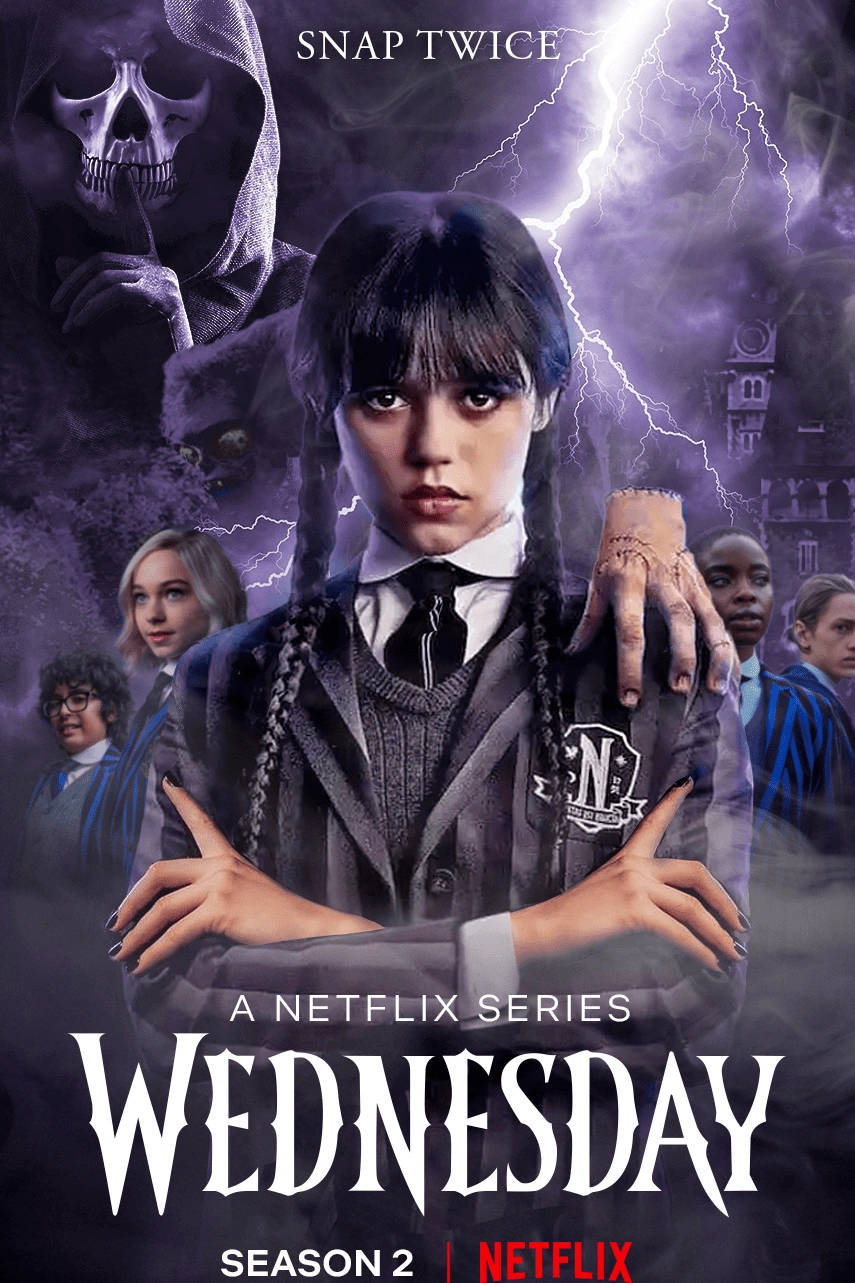



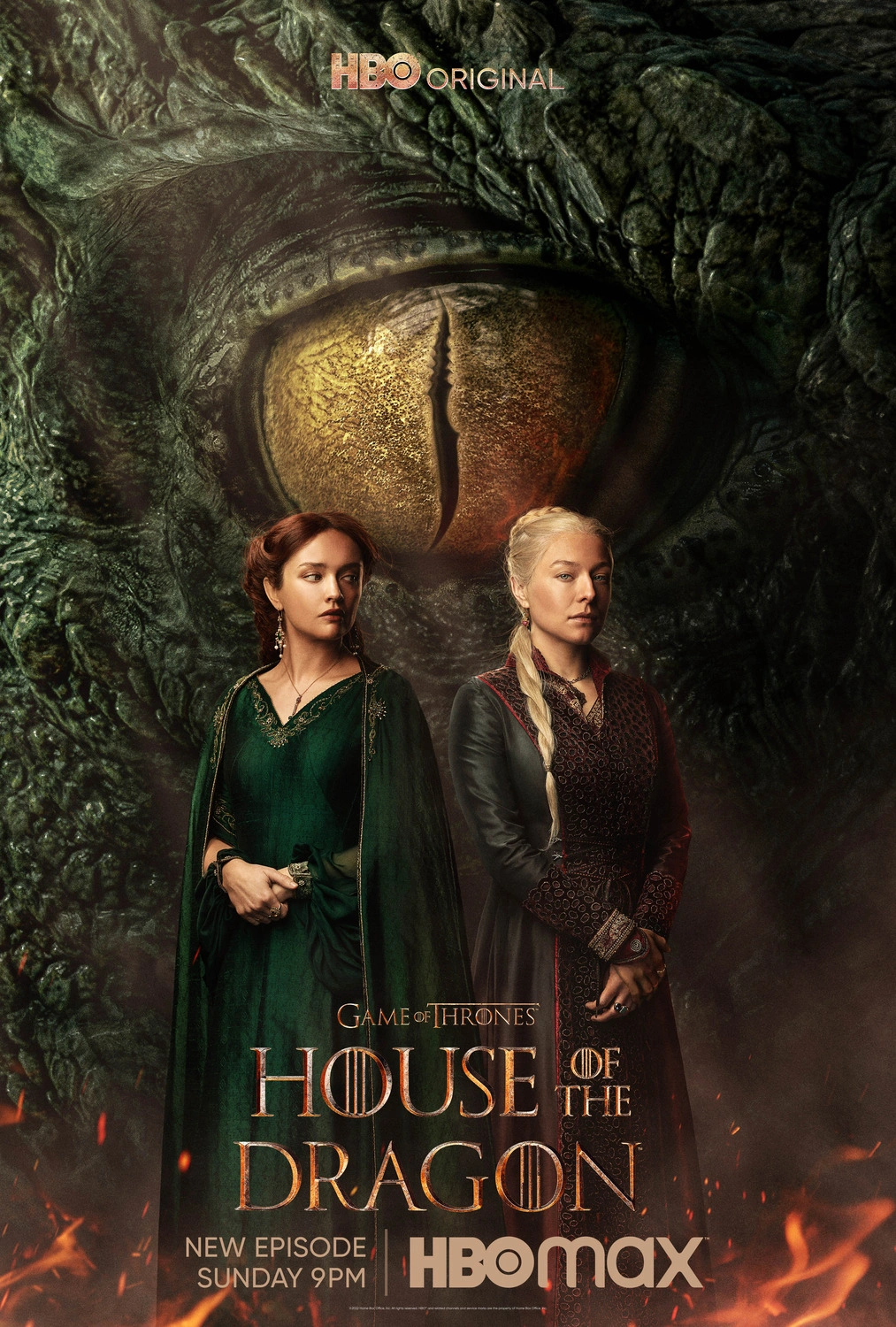


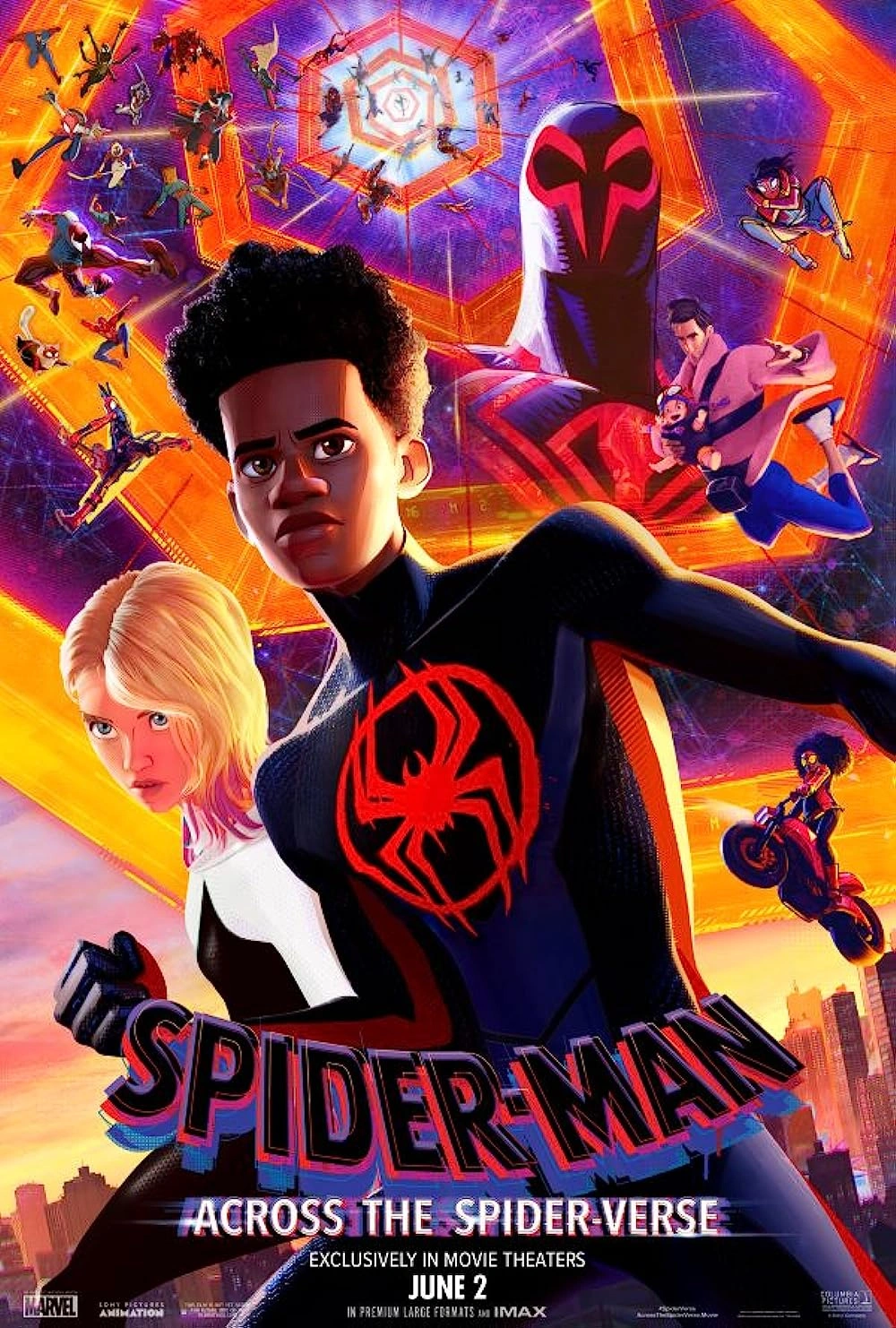






A clear overview of the official APK, compatible device types, account access, viewing tools and the current B1G IPTV catalog.
| App area | What it does | Useful detail |
|---|---|---|
| Official APK | Installs the B1G IPTV Android application on compatible Android-based devices. | Official URL: b1giptv.io/b1g.apk. |
| Account login | Loads active trial or subscription access into the app or another compatible player. | Use only the account details supplied for the active service. |
| Live TV | Browses the current listed 28,000+ live channel catalog. | Categories include UK, Europe, sports, entertainment, news and international groups. |
| Movies | Browses the listed 100,000+ on-demand movie catalog. | Search and category tools depend on the app/player interface. |
| Series | Browses the listed 20,000+ series and episodes. | Episode organization depends on the player or app. |
| Picture quality | Plays HD, Full HD and 4K streams where supported. | Source bitrate, device, player and network all affect final quality. |
| EPG & catch-up | Displays guide data and eligible catch-up where available. | Availability can vary by channel, source, plan and player. |
| Free trial | Lets you test the app/player and network for 24 hours before buying. | Use the trial on the device you actually plan to keep using. |
B1G IPTV Player is the viewing layer between your active account and your device. It organizes live TV, movies, series and supported guide information so you can browse the service from one interface.
Move through channel categories and open supported live streams from the app or compatible player.
Browse channel categoriesUse supported movie categories and player search to browse on-demand titles without following a fixed live schedule.
Entertainment previewBrowse series and episodic content with organization handled by the selected app or player interface.
See app featuresDisplay program-guide information where EPG data is supplied and the app/player supports it.
EPG & toolsThe player does not create a subscription by itself; it loads the active account details provided for your trial or paid service.
Login guideUse the 24-hour free trial to test the app/player on your own device and normal home-network conditions.
Request free trialThese are the main app, content, device, viewing-tool and support areas to understand before installing the APK or configuring another compatible IPTV player.
Download the B1G IPTV Android APK directly from the official b1giptv.io domain instead of relying on unknown third-party APK mirrors.
Browse the current listed 28,000+ live channels across UK, European, sports, entertainment, news, kids and international categories.
Browse the listed 100,000+ movie catalog through the app or another compatible player using supported categories and search tools.
Use the listed 20,000+ series catalog for episodic viewing, with organization and search depending on the selected app or player.
Play HD, Full HD and 4K streams where the selected source, device, app and network support the required quality.
View EPG schedule information where guide data is supplied for the channel and displayed by the selected app or player.
Replay supported previously aired content where catch-up is available; availability and duration can vary by source, channel and plan.
Use app or player navigation tools to organize commonly watched content and move between live TV, movies and series.
Use the official Android APK on compatible Android-based television devices and boxes where installation is supported.
Amazon Fire TV devices can use Android-style APK installation methods where sideloading is supported on the device.
Test the app or compatible player, live TV, VOD, EPG and your normal network conditions before choosing a paid subscription.
Use WhatsApp or email support for APK installation, login details, player configuration and common troubleshooting.
Use the official APK download and follow the installation controls provided by your Android device. Menu names can differ between phones, tablets, Android TV and Google TV.
Open the official B1G IPTV APK link from your Android device so you know the installer came from b1giptv.io.
Download APKIf Android blocks the APK, use the device's normal install-permission prompt for the browser or file manager you used to download it.
Android guideOpen the downloaded APK from your browser downloads or file manager and confirm the Android installation prompt.
Safety guidanceOpen the installed B1G IPTV app from your home screen or app list after Android completes the installation.
Login stepsEnter the active trial or subscription details supplied by B1G IPTV using the account method shown in your setup information.
Account loginOpen several channels, movies and series, check picture/audio, and test guide information where available.
Start with free trialThe official APK is for Android-based devices. Other platforms can use a compatible IPTV player and the active B1G IPTV account method supplied for the service.
Install the official B1G IPTV APK directly on compatible Android mobile devices.
Use the official APK on supported Android-based televisions, streaming boxes and Google TV hardware.
Fire TV devices can use APK sideloading methods where supported by the device and Fire OS settings.
Use a compatible player available for your television operating system and load the active B1G IPTV account details.
APK files do not install on iOS. Use a compatible iPhone/iPad IPTV player and your active B1G IPTV account method instead.
Use a compatible desktop IPTV player or supported playback method on your computer rather than the Android APK.
Amazon Fire TV uses an Android-based platform, so compatible models can use APK sideloading where the device allows it. Use the official B1G IPTV APK source and follow the current Fire TV installation guide.
Enter or open the official b1giptv.io/b1g.apk address using the installation method supported by your Fire TV device.
Official APKAPK installation permissions are controlled by Fire OS and can vary by model or software version.
Fire TV guideAfter installation, enter only the trial or subscription details supplied for the active B1G IPTV account.
Login guideCheck playback under your normal home-network conditions and use the 24-hour trial before choosing a longer plan.
Network guideThe exact login fields can vary by account method and player. Use the active connection details supplied with your B1G IPTV trial or subscription rather than guessing server information.
Launch the official B1G IPTV app or the compatible player installed for your device.
Use the connection type shown in your B1G IPTV setup information.
Copy the supplied username, password, server address or playlist details exactly as provided.
Allow the app or player time to load supported live TV, movies, series and guide information.
Open several live TV and VOD categories to confirm the account loaded correctly.
If login fails, send support your device and app name without posting credentials publicly.
App supportA useful IPTV app or player should make a large catalog easier to browse. Feature availability can vary by stream, account, player and device.
Browse UK, European, sports, entertainment, news, kids and international groups from one player interface.
Open supported on-demand movie categories and use player search where available.
Browse episodic titles and series categories with organization handled by the app or player.
Display guide information where EPG data is supplied and supported by the selected interface.
Replay eligible previously aired content where catch-up is available for the selected stream.
Use favorites, search and category controls where supported to reduce the time spent browsing long lists.
Playback quality depends on the whole setup: source stream, device, app/player, Wi-Fi or Ethernet and available bandwidth. Test more than one stream before diagnosing a problem.
Around 10 Mbps can support many HD streams, depending on bitrate and network conditions.
Around 15 Mbps can suit many Full HD streams under stable conditions.
Around 25 Mbps can suit 4K where the source, device and player support the selected stream.
A wired connection can help separate Wi-Fi interference from stream-related problems.
Gaming, downloads, video calls and other streaming devices share the same home connection.
Open several live channels and VOD titles before deciding whether an issue affects the whole service.
These figures are practical starting points, not guaranteed thresholds. Wi-Fi quality, device performance, household traffic and source bitrate can change real-world results.
The free trial is the most useful way to check whether the app or player, your device and your home network work well together before selecting a paid subscription.
Use the official Android APK or a compatible player appropriate for your device.
Enter the active trial details supplied for the 24-hour test.
Open several live channels, movies and series and check EPG where available.
Use your normal viewing hours and normal Wi-Fi or Ethernet connection.
APK files can be copied to third-party websites, so use the official B1G IPTV domain when downloading the installer and avoid entering account credentials into unrelated apps or websites.
The official APK link supplied for B1G IPTV is hosted on b1giptv.io.
Do not replace the official installer with an unrelated APK simply because it uses a similar B1G or IPTV name.
Enter account details only in the official app or the compatible player you intentionally selected.
When an updated installer is needed, return to the official B1G IPTV site or support rather than using an unknown file source.
If multiple similarly named apps create confusion, keep the one you intentionally installed from the trusted source and remove unneeded copies.
If you are unsure which app or installer to use, contact B1G IPTV support before entering your account information.
The official Android APK is the viewing app; active B1G IPTV account access comes from your subscription. Compare the current 1, 3, 6 and 12 month plans below and use the 24-hour free trial before choosing a paid billing period.
Review the published refund policy for current eligibility requirements and conditions before ordering.
Payments are handled over HTTPS. Review the available payment method and checkout details before purchase.
Activation details are sent after payment confirmation so you can begin the setup process.
Accepted Payment Methods:
The B1G IPTV app is for viewing an active account. The reseller program is a separate business workflow for wholesale IPTV credits, customer subscription management, renewals and supported branding options.
Use the official Android APK or a compatible player to watch an active personal trial or subscription.
Download appUse the dedicated reseller panel to create and manage customer subscription periods rather than watching content.
Panel featuresThe current reseller system uses credits for common customer subscription durations, with one credit representing one month.
Credit systemProfessional and Enterprise reseller tiers include broader white-label branding and supported custom-domain/DNS options.
White-label detailsA reliable app setup starts with the correct device, active account details and stable network. Use this checklist before installing the official APK or configuring a compatible player.
Make sure a compatible player or setup method is available for your TV, streaming box, phone, tablet or computer.
Use a stable connection and match stream quality to the bandwidth and hardware available in your home.
Review the channel page when a particular sport, language, region or content category is important to you.
Choose the subscription period that fits your needs and check the exact price shown before ordering.
Review the published billing, cancellation and refund terms before purchase.
Contact support before ordering if you are unsure about your device, setup method, plan or compatibility.
Start with simple checks that separate account-entry mistakes, app issues, device limitations and local-network problems before changing multiple settings at once.
| Problem | Check first | Next step |
|---|---|---|
| APK will not install | Confirm the device is Android-based and the installer came from the official B1G IPTV URL. | Check Android/Fire OS install permissions or use the device-specific installation guide. |
| Login fails | Re-enter the active account details exactly as supplied. | Contact support with the device and app name; do not post credentials publicly. |
| Channels do not load | Confirm the account is active and the device has internet access. | Restart the app, test other categories and contact support if the issue continues. |
| Buffering or freezing | Test network speed, Wi-Fi strength and household traffic. | Try Ethernet or another supported quality/source before deciding the whole service is affected. |
| EPG missing | Check whether guide data is supplied for the selected channel. | Refresh EPG/player data where supported and compare another channel. |
| Wrong or empty categories | Confirm the correct account was loaded and wait for the app/player to finish syncing. | Refresh the playlist or contact support if the account still appears incomplete. |
Get help with the official Android APK, compatible-player setup, account login, EPG refreshes and common playback problems. Include your device model, Android/Fire OS version where known, app or player name and connection type when contacting support.
Answers about the official B1G IPTV APK, Android TV, Firestick, iPhone/iPad, login, 4K, EPG, free trial, updates, reseller panel and app support.