
WhatsApp Support
Use WhatsApp for trial requests, channel checks, device setup, playback problems and reseller questions.
Message +44 7532 814802Contact B1G IPTV for help with the 24-hour free trial, subscriptions and pricing, channel availability, the official Android APK, Firestick and Smart TV setup, EPG or playback, billing questions, and the B1G IPTV reseller panel, wholesale credits, white-label branding or custom-domain/DNS setup.
Official B1G IPTV contact methods | WhatsApp + Email
Use the official B1G IPTV contact details below. For faster troubleshooting, choose the method that matches your question and include the useful details listed later on this page.
Use WhatsApp for trial requests, channel checks, device setup, playback problems and reseller questions.
Message +44 7532 814802Email is useful when you need to describe an issue in more detail or include order context without posting it publicly.
support@b1giptv.ioCheck the full B1G IPTV FAQ for pricing, app, Firestick, channels, EPG, billing and reseller questions.
Browse 160+ FAQsUse the device setup guide before contacting support about Fire TV, Android/Google TV, Smart TV, iOS, desktop, MAG or Enigma2.
Open installation guideBrowse the structured channel categories and use the free trial to confirm a must-have channel before purchase.
Browse channel listAsk about the reseller panel, wholesale credits, customer account management, white-label options, custom domains and DNS.
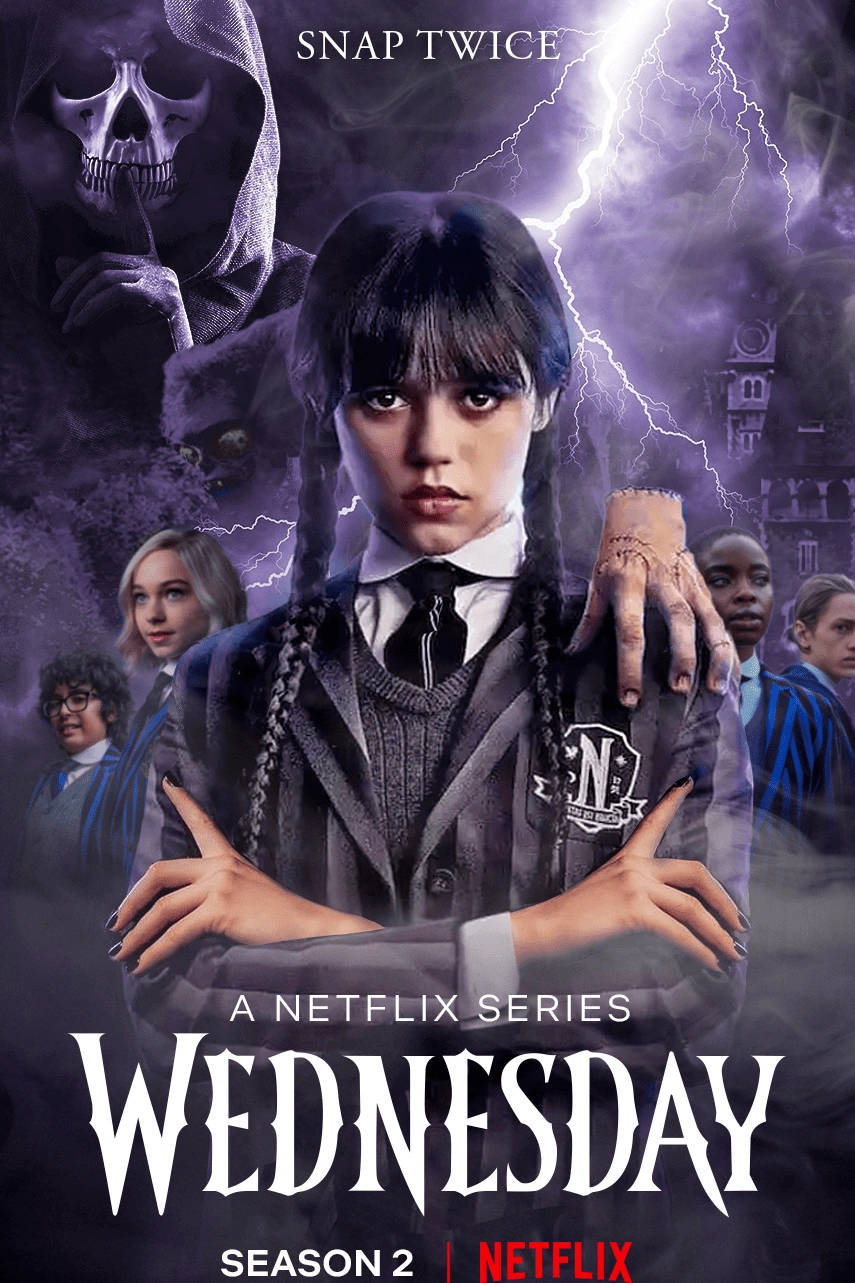
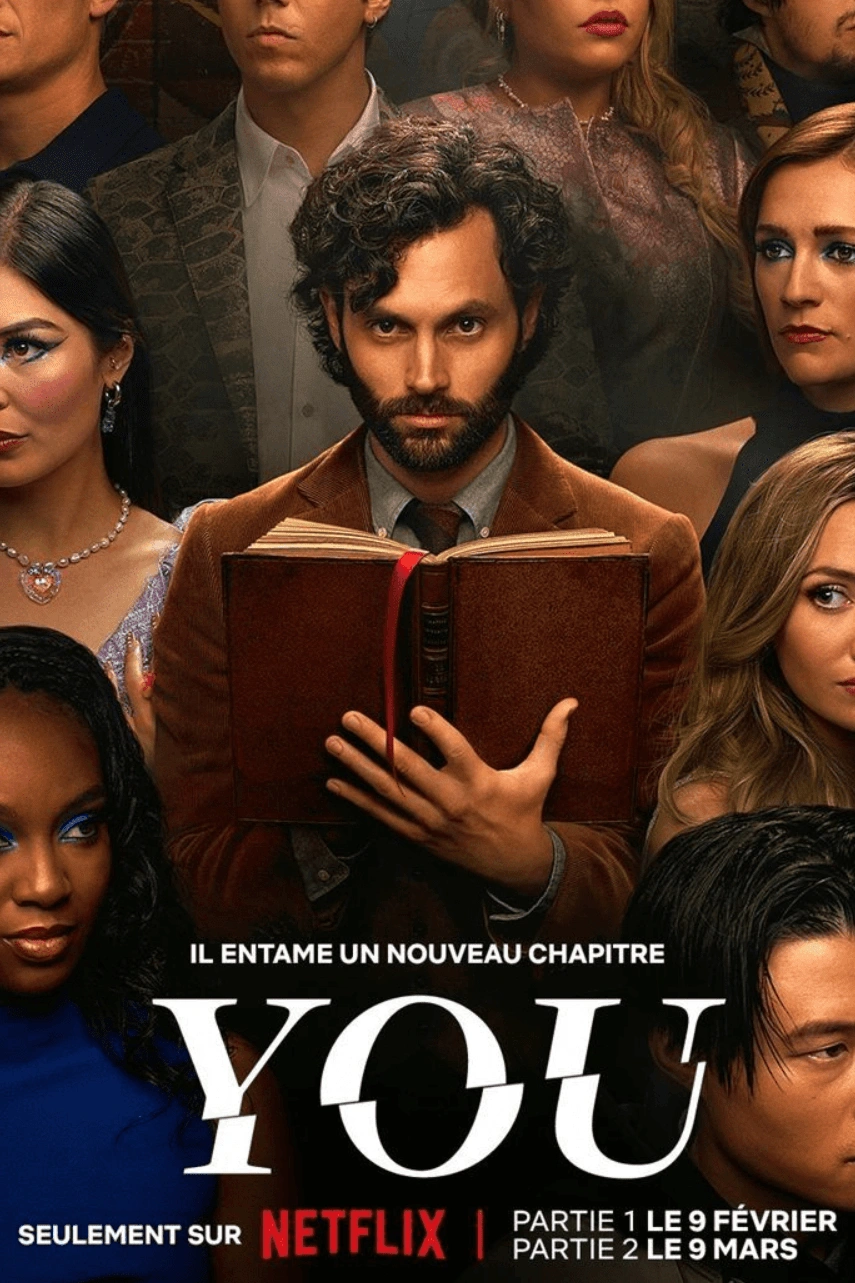
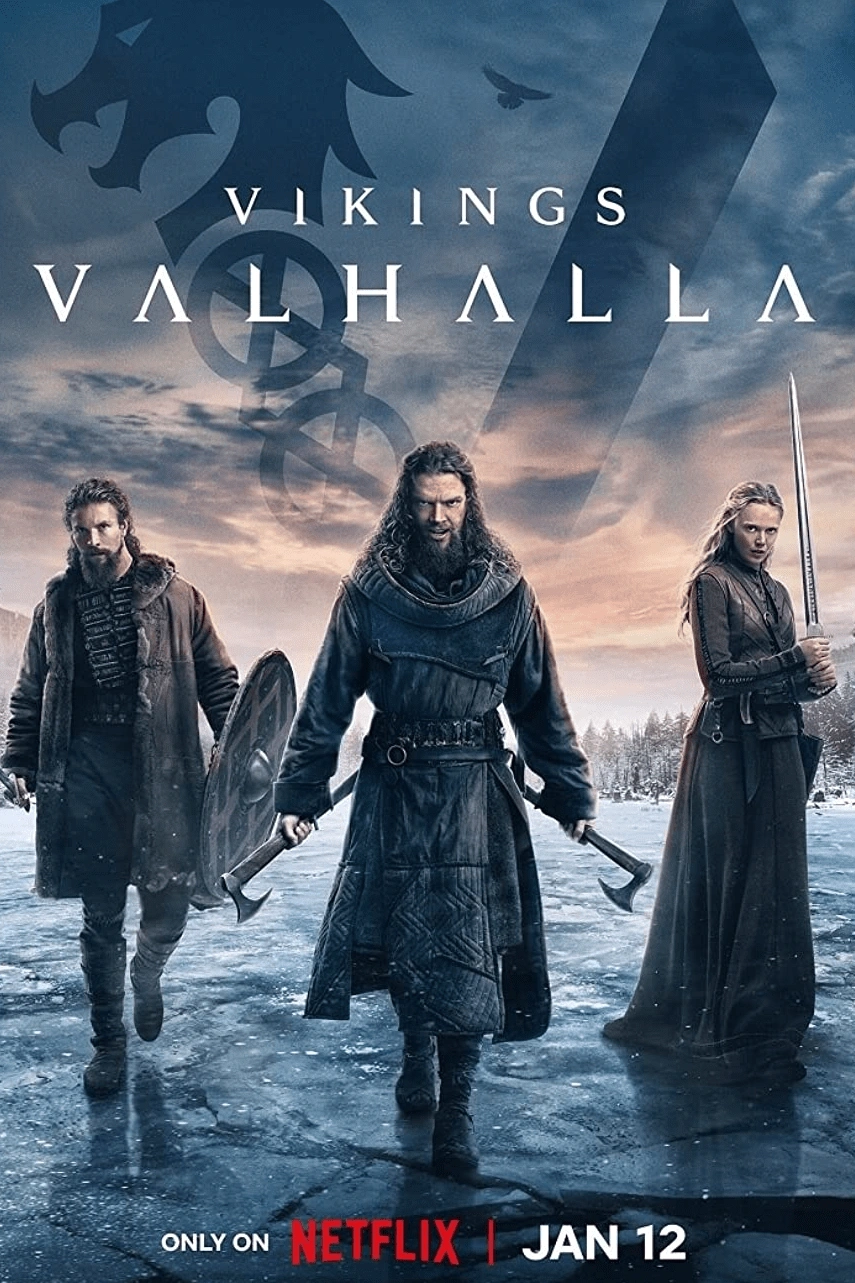
Open reseller pageBrowse a visual preview of sports, entertainment, movie and series categories featured across the B1G IPTV viewing experience.







Starting with the right topic gives support the context needed to answer your question without unnecessary back-and-forth.
| Your question | Best first step | What to include |
|---|---|---|
| 24-hour free trial | Free Trial page or WhatsApp | Device you want to test and preferred app/player. |
| Subscription / pricing | Pricing page | Plan duration or order question. |
| Specific channel | Channel list + free trial | Exact channel name and region/country. |
| App / APK | Our App page | Android/Fire OS device model and issue. |
| Installation / login | Installation guide | Device, player, login method and error message. |
| Playback / EPG | Troubleshooting + support | Channel/VOD affected, device and connection type. |
| Billing / refund | Pricing or Refund page | Order context; never send full card/payment credentials. |
| Reseller panel / credits | Reseller page + WhatsApp | Tier, credit requirement or panel question. |
A short message with the right technical details is more useful than a long message that does not identify the device, app or symptom.
Say whether you use Firestick, Samsung/LG TV, Android/Google TV, iPhone/iPad, Windows, Mac, MAG, Enigma2 or another device.
Include the official B1G IPTV app or the name of the compatible player you are using.
Describe what happens: login error, app not installing, buffering, black screen, missing EPG, one channel down or account not loading.
Say whether the problem affects one channel, one category, VOD only or the entire account.
Tell support whether you use Wi-Fi, Ethernet or mobile data and whether other internet services work normally.
Do not post usernames, passwords, M3U links, portal URLs or reseller-panel credentials in public screenshots or public forums.
Use the trial to test the exact device, app, channels and home-network conditions you plan to use after purchase.
Firestick, Smart TV, Android/Google TV, iPhone/iPad, computer or another supported device.
Use the official Android app or another compatible player appropriate for the device.
Check the regional, sports, news or entertainment channels that matter most to you.
Use your normal Wi-Fi or Ethernet connection and normal viewing hours.
Android users can download the official B1G IPTV APK directly from the b1giptv.io domain. Other devices can use compatible IPTV players and the active account method supplied for the service.
If the app does not install, login fails, categories do not load or EPG is missing, send support the device model, operating-system version where known and the exact app/player name.
Device: Firestick / Android TV / Smart TV / iPhone / etc.
App: official B1G IPTV app or compatible player name.
Issue: installation, login, loading, EPG, playback or another specific problem.
Network: Wi-Fi or Ethernet.
Do not paste your full password or private playlist/server details into public screenshots.
The current B1G IPTV service lists 28,000+ live channels, 100,000+ movies and 20,000+ series. Because individual feeds can change, confirm a must-have channel during the trial or with support before relying on it.
Send the exact channel name plus country or region so support can distinguish similarly named feeds.
Confirm channelRefresh guide data in the player and compare another channel. If the issue remains, send the channel name and player used.
Catch-up depends on eligible streams, plan and player. Contact support with the exact channel if catch-up availability matters to you.
Test another channel and VOD item first. If only one feed is affected, send the exact name instead of reporting the whole service as offline.
If your question is about price, review the current 1, 3, 6 and 12 month plans below first. Prices are displayed in EUR after the shown 25% discount, and you can request the 24-hour free trial before choosing a paid plan.
Review the published refund policy for current eligibility requirements and conditions before ordering.
Payments are handled over HTTPS. Review the available payment method and checkout details before purchase.
Activation details are sent after payment confirmation so you can begin the setup process.
Accepted Payment Methods:
Use the official pricing and refund pages first, then contact support when your question depends on a specific order or account.
Check the current subscription totals before messaging support so you can reference the exact plan period.
State the current subscription period and the period you want for the next renewal.
Keep your order confirmation privately available so support can identify the transaction if needed.
Review the published refund policy and explain why you believe your order meets the current eligibility rules.
Never send a full card number, CVV, banking password or other unnecessary payment credentials to support.
Email can be useful for an order question that requires a clearer written history than a short chat message.
Use reseller support for panel access, wholesale credit orders, customer subscription management, renewals, white-label branding and supported custom-domain/DNS configuration.
| Reseller Tier | Credits & Wholesale Cost | Support Topic |
|---|---|---|
| Starter | 100 credits × €0.85 = €85.00 | Panel setup, customer subscriptions, renewals and reseller support. |
| Professional | 350 credits × €0.79 = €276.50 | Panel + white-label branding + supported own-domain/DNS configuration. |
| Enterprise | 1,000 credits × €0.69 = €690.00 | Higher-volume workflow, expanded branding and supported custom-domain/DNS setup. |
Support may need account context, but you should still minimize the private information you share and use only the official contact methods listed on this page.
Keep usernames, passwords, M3U URLs, server addresses, portal details and reseller-panel logins out of public forums and public screenshots.
Use b1giptv.io for official pages and the official Android APK rather than relying on unrelated sites using a similar B1G name.
Support may need an order reference, but it should not require your full card number, CVV or banking password.
Customer account details and reseller-panel credentials are different. Do not send panel credentials to customers.
Answers about contacting B1G IPTV for trial, installation, app, channel, billing, refund, playback and reseller support.